To change your Default Printer
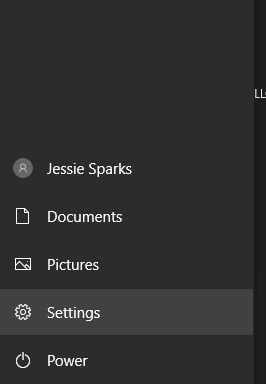
Go to Settings
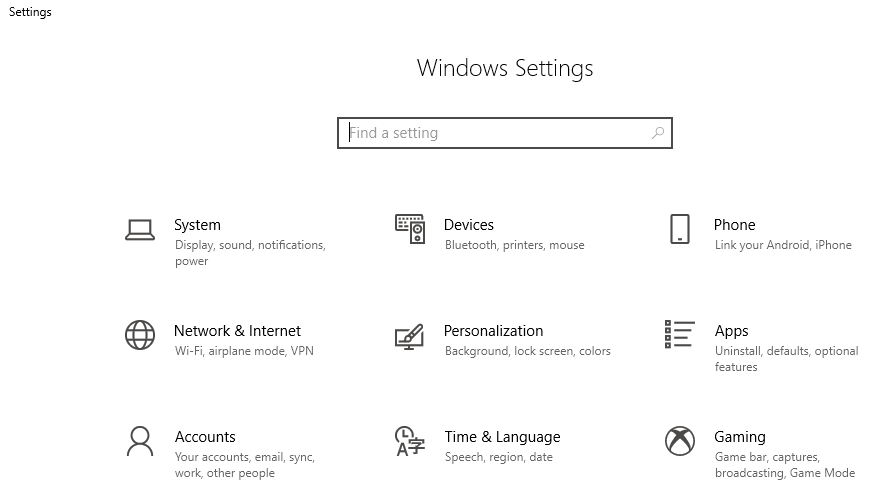
Next Select Devices
Next Select Printers & Scanners
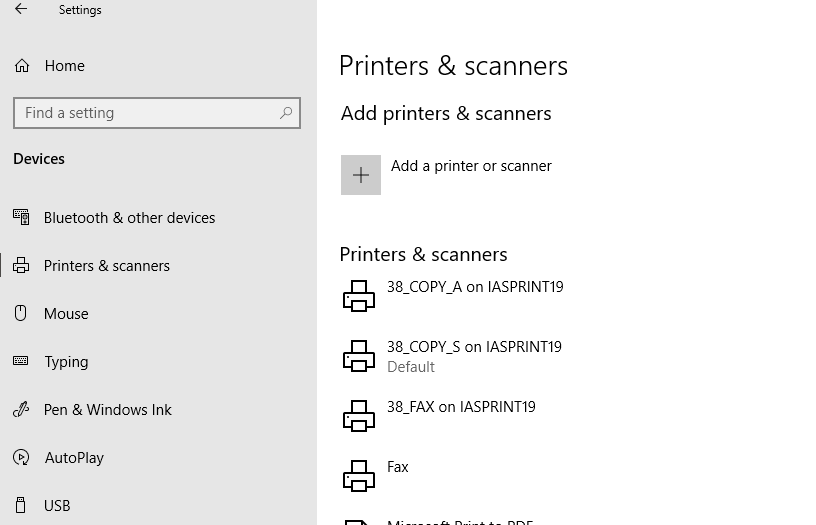
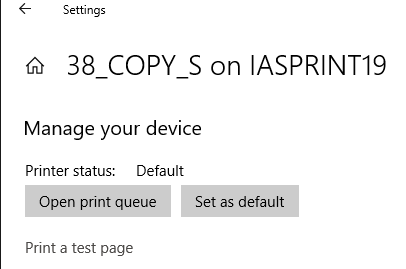
Click on the Printer you want to set as Default, Click on Manage
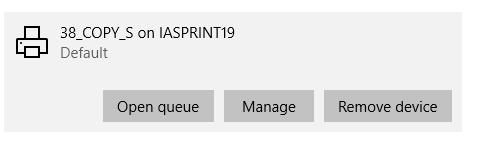
Then click Set as Default
Was this article helpful?
That’s Great!
Thank you for your feedback
Sorry! We couldn't be helpful
Thank you for your feedback
Feedback sent
We appreciate your effort and will try to fix the article